Currency
Choose the currency used for stock prices and cut list totals.
Updated September 27, 2026
Browse all help topics
Change your currency
- Step 1: Account menu → Settings.
- Step 2: Under Currency, choose a Display currency, for example USD.
- Step 3: Click Save settings.
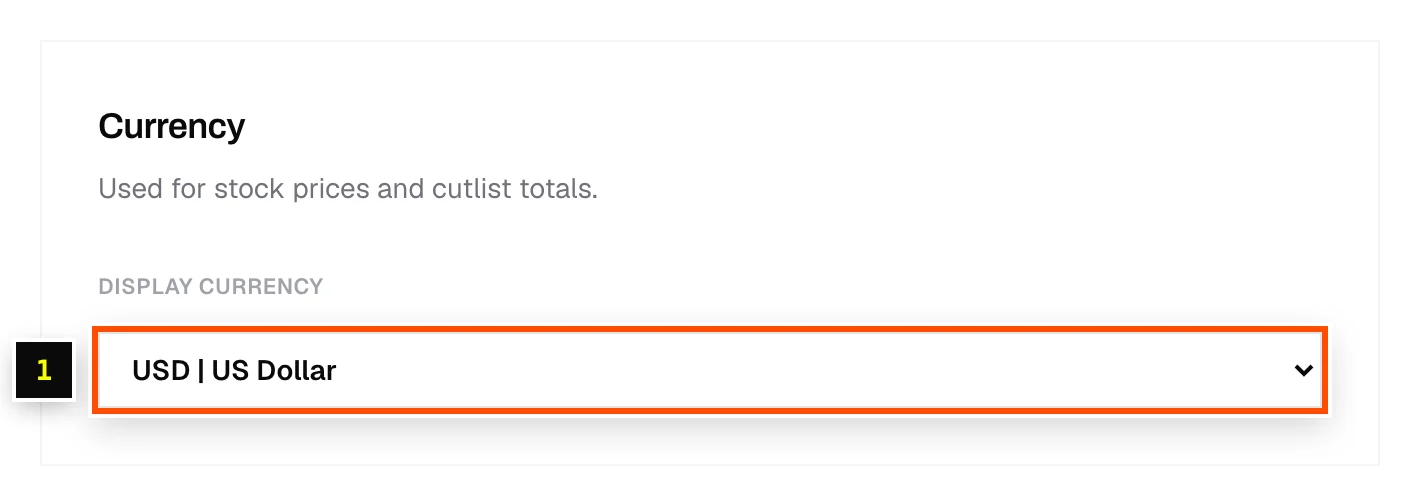
Amounts show with the currency code, for example USD 412.50. On the free tools, pick the currency from the dropdown each session.
This is separate from what you're billed. Plans are priced in USD. See Plans compared.
Related articles
Didn't find what you need?
Email us and tell us which article you were reading.